


A board for every kind of work
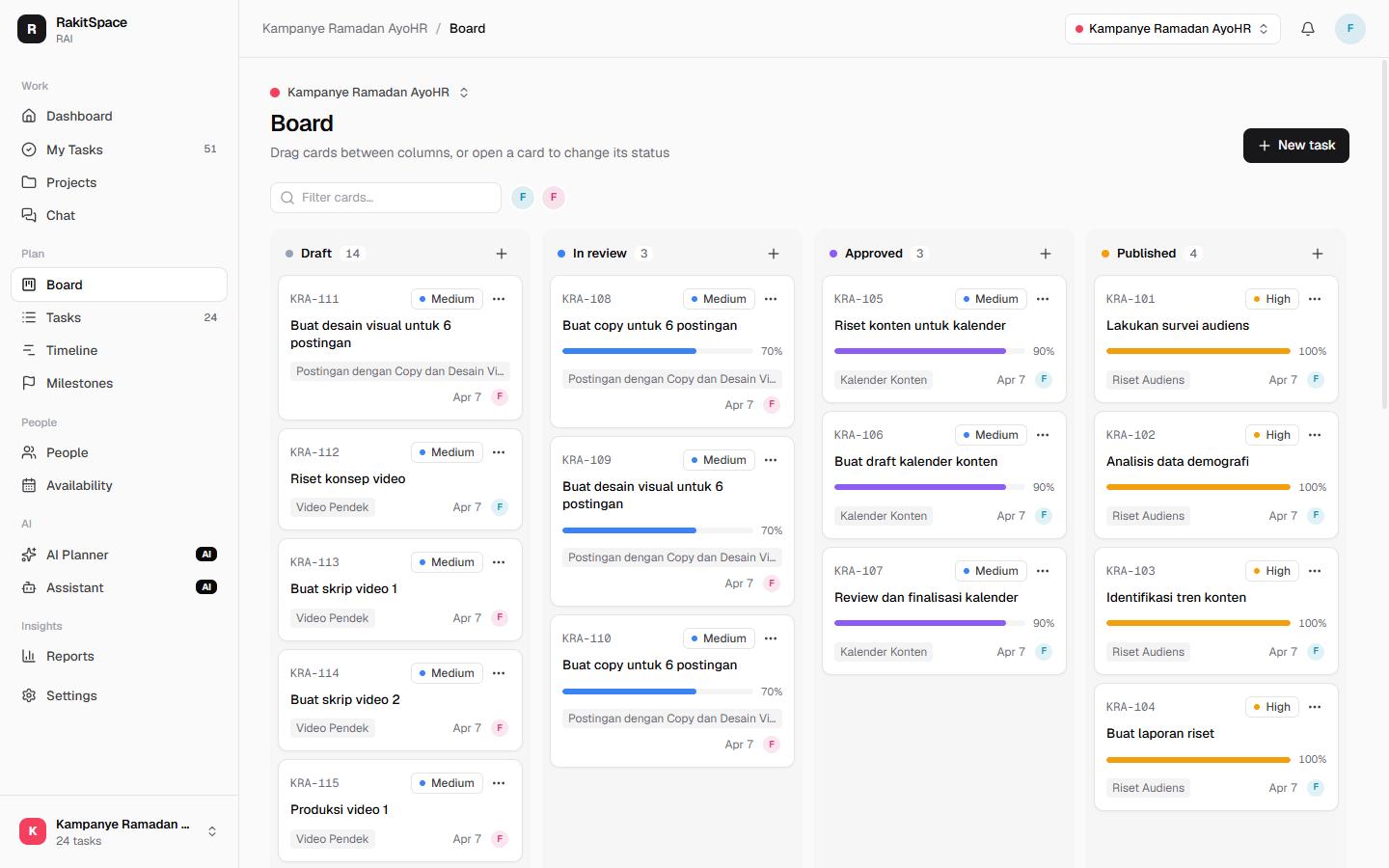
A campaign moves from Draft to Published, a feature from To do to Done.
- Each project gets its own workflow
- Priorities, estimates, checklists and comments
- Blocked and overdue work stands out
Product · marketing · events · hiring · operations
Engineering, campaigns, events or hiring: RakitSpace shows everyone's real availability across all of them, turns a brief into a scheduled plan with the right people, and keeps the team's conversations next to the work.
Every request is reviewed by our team. You get your workspace URL and sign-in details by email.
MCP server · new
Claude, ChatGPT, Copilot and other AI assistants read your tasks and move them along when the work is done, as you, with your permissions.
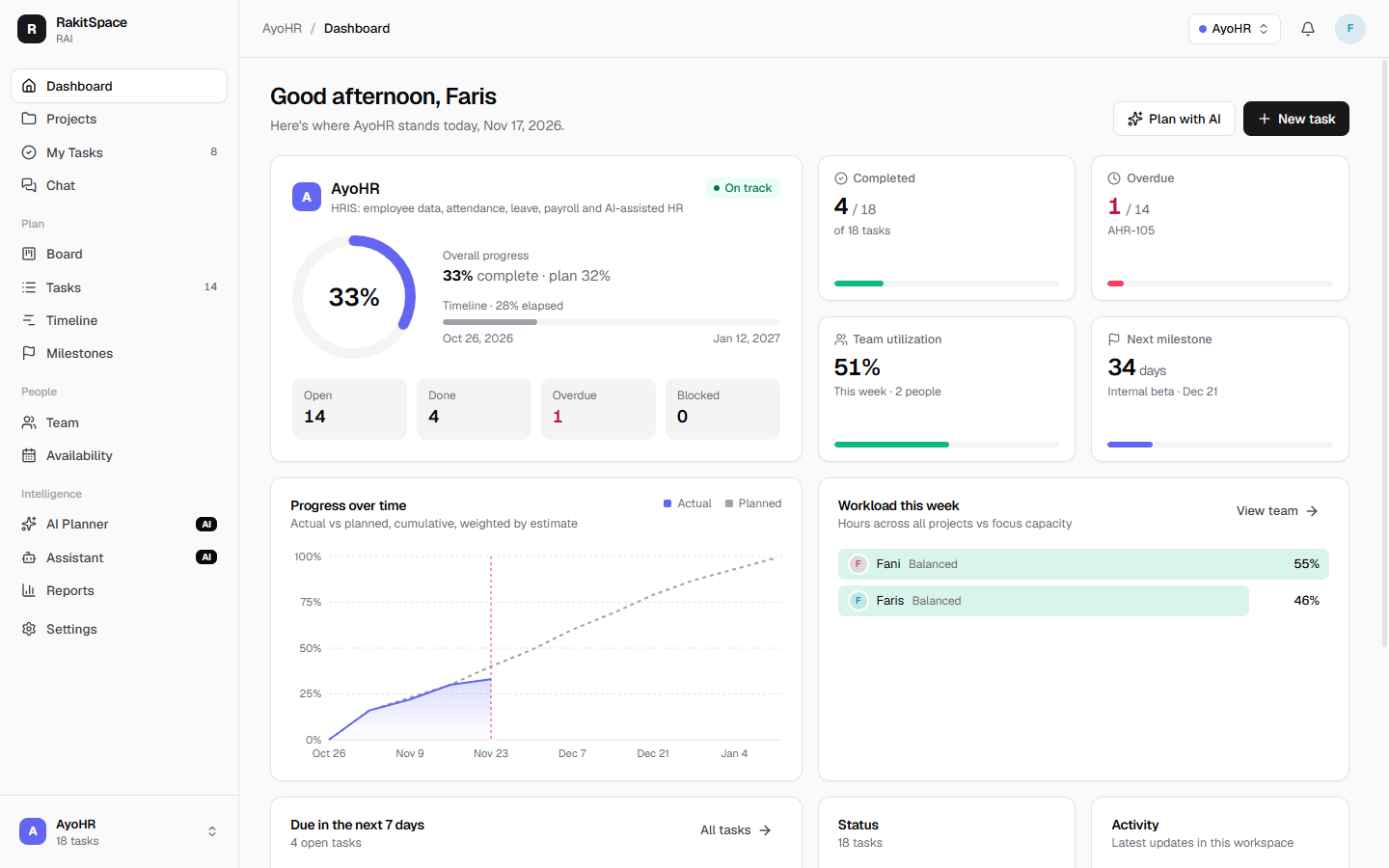
Each organization gets its own private workspace, members and roles.
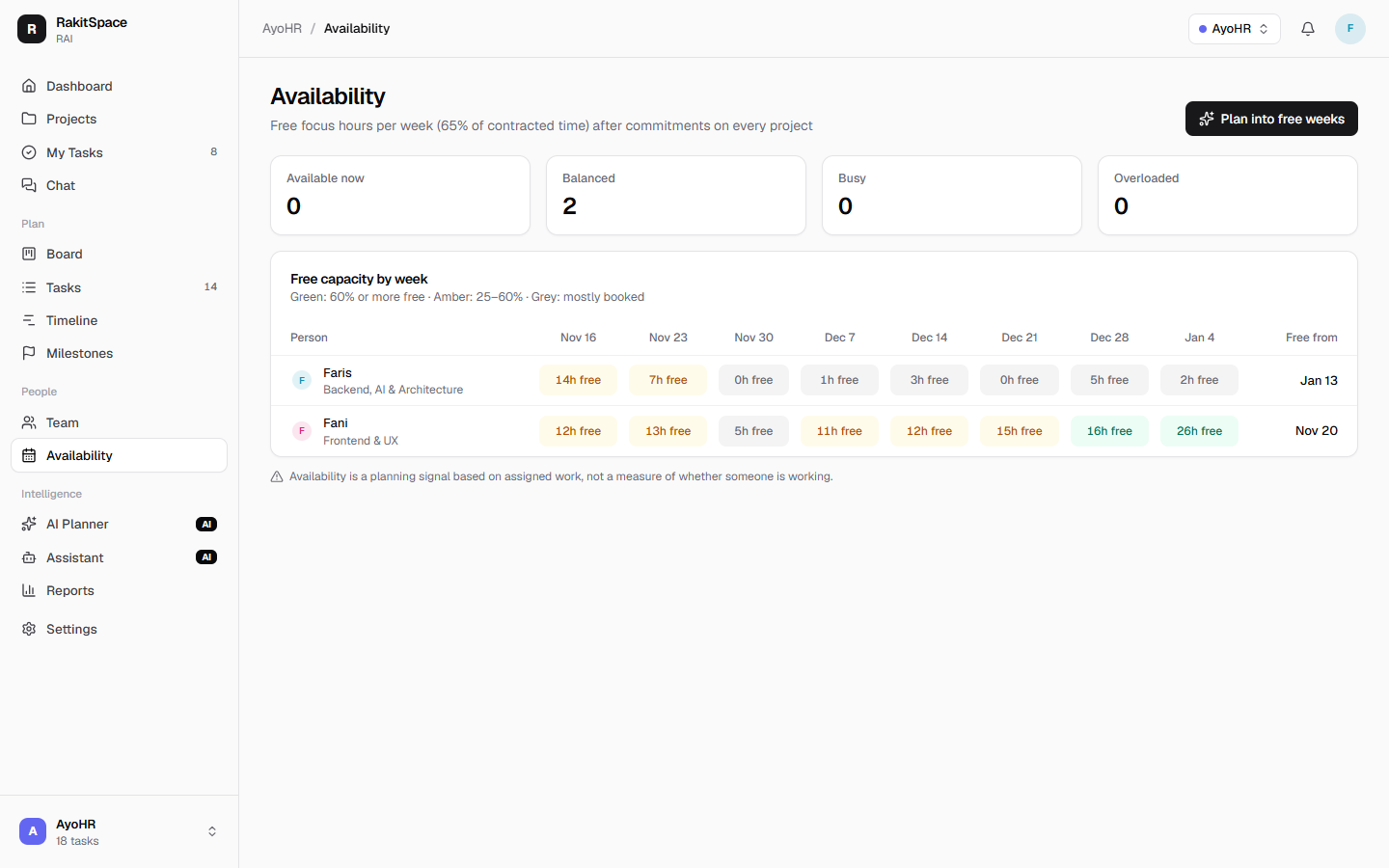
Workload per person per week across all projects, with holidays and focus time, so nobody is booked twice.
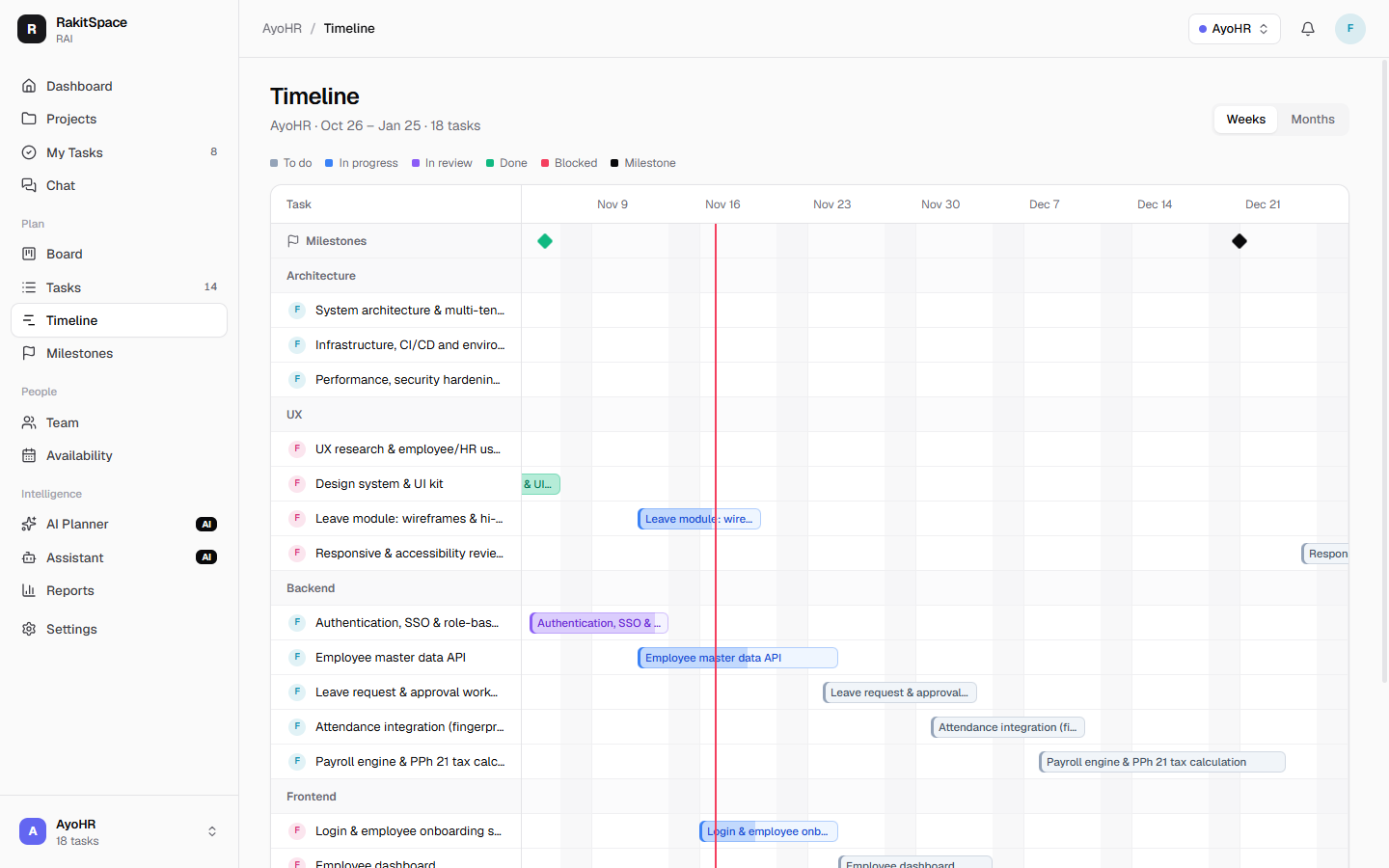
Kanban, task lists, a timeline and milestones. Each project gets the workflow that fits it.
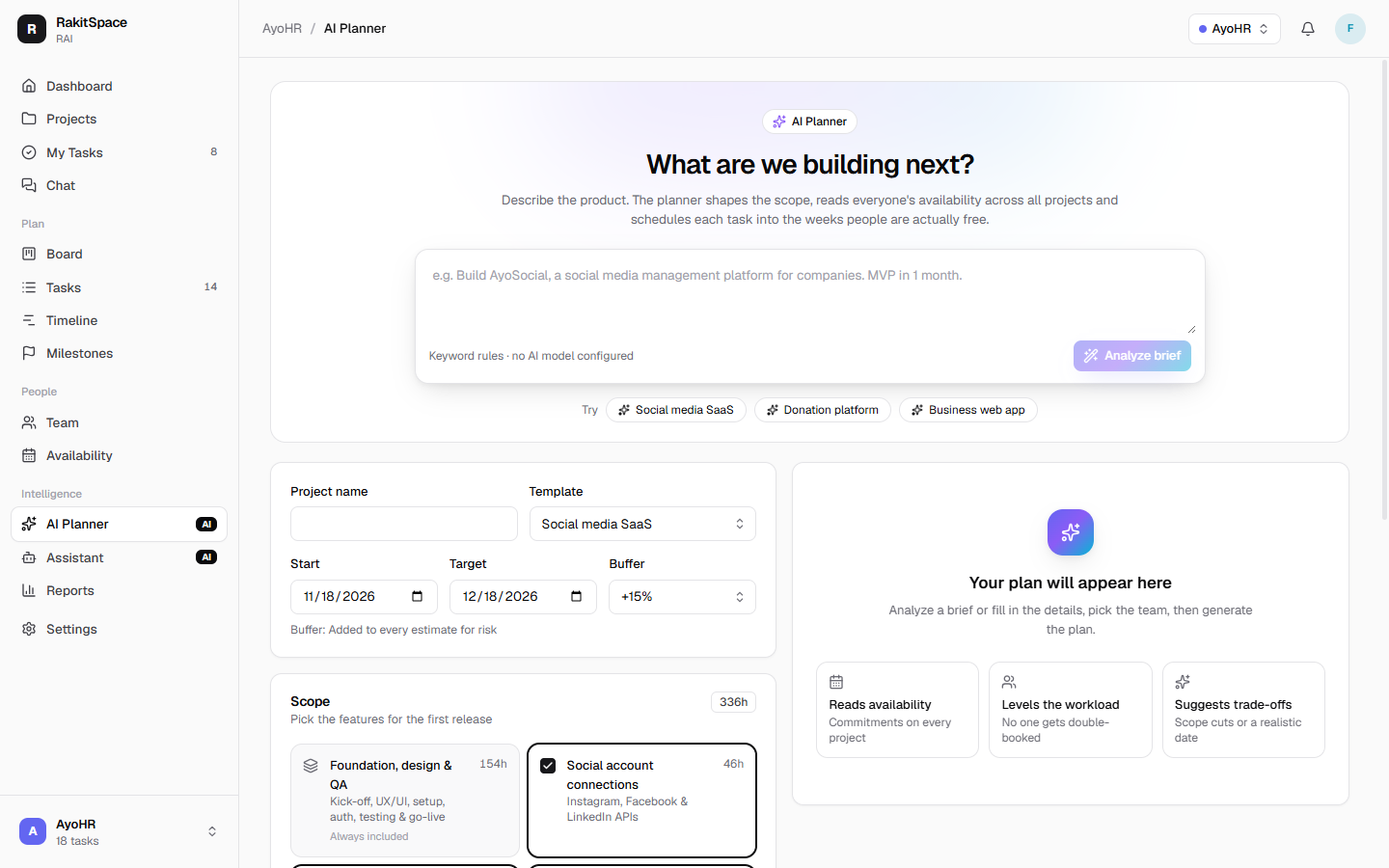
Describe any project. The AI drafts the work with your team's own skills, proposes a workflow and schedules every task into people's free weeks.
An assistant that reads your projects and proposes tasks or status changes, which you confirm. Uses your organization's own AI key.
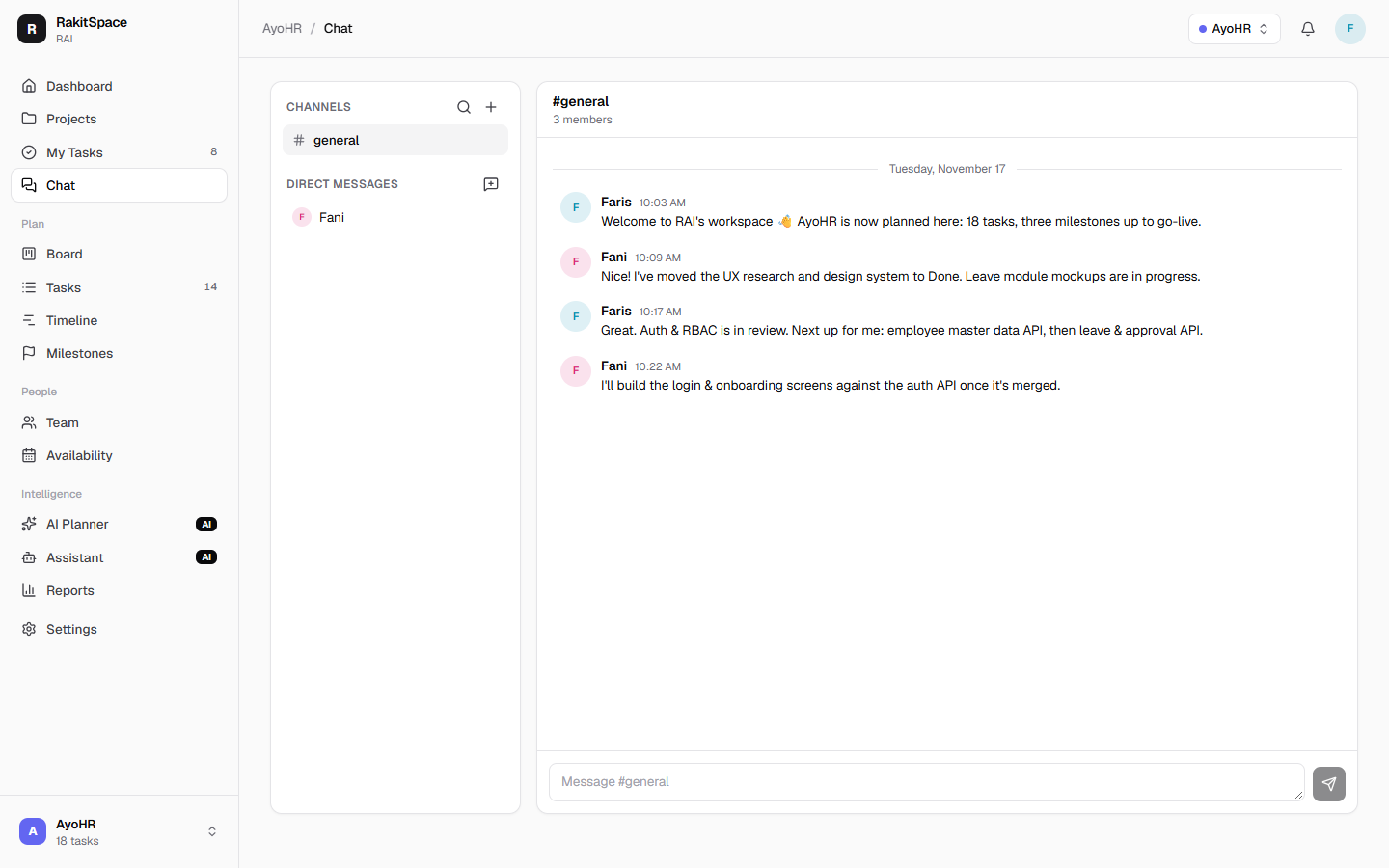
Channels, direct messages and group chats in real time, with #general ready from day one.
Isolated workspaces, Owner / Admin / Member / Viewer roles and subscription plans managed by the platform.
Different teams, the same people and the same calendar. Every project keeps the workflow it needs.
Sprints and releases, from the brief to go-live, with QA and reviews.
Example workflow: To do → In progress → In review → Done
Campaigns, content calendars and launches, with approvals.
Example workflow: Draft → In review → Approved → Published
Venues, speakers, travel and registration, all on one timeline.
Example workflow: Planned → Booked → Confirmed → Done
Openings from job post to onboarding, with interviewers' time planned.
Example workflow: Sourcing → Interview → Offer sent → Hired
Real screens from a workspace, not mock-ups.
A campaign moves from Draft to Published, a feature from To do to Done.
Free focus hours per person, per week, after all commitments.
From a brief (a product, a campaign, an event, a hire) to a scheduled project in minutes.
Conversations next to the work they are about.
The whole plan at a glance, by week or month.
BYOK
Each organization connects its own AI provider account. Keys are stored encrypted and never leave the server.
…or any other OpenAI-compatible endpoint, such as Ollama, LiteLLM or vLLM.
Tell us about your organization and pick a plan.
Our team sets up your workspace and sends the URL and owner sign-in.
Add people with their skills, invite them to log in, connect your AI and start planning.
Simple plans by team size. Pay by bank transfer; billing is handled by our team.
Rp 0 / 1 mo
Up to 50 members
Rp 250.000 / 1 mo
Up to 5 members
Your organization's data stays in your workspace.
Request a workspace for your organization. It only takes a minute.


